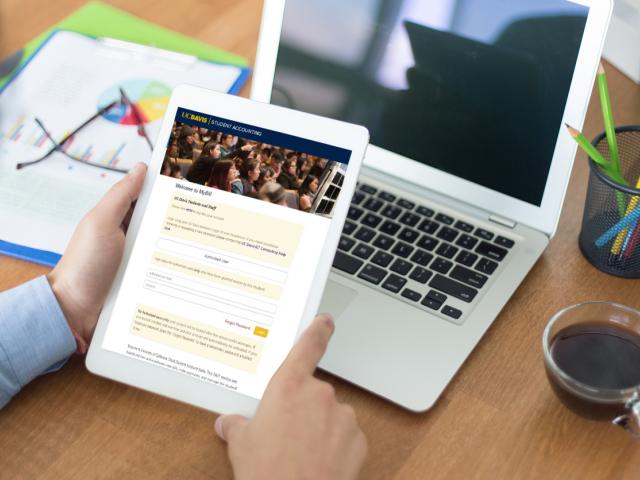
Students enrolled at UC Davis are billed automatically on MyBill
MyBill is part of the Student Account Suite that issues paper-less statements. It has many advantages and unique features including:
- View and print previous statements (up to one year).
- Online payments post immediately to Banner, the software used for the UC Davis Student Information System.
- Authorize others (parents, etc.) to view and pay their bill.
- Set up automatic monthly payments, up to a maximum amount specified by the payer.
- All major credit cards accepted (transaction fees apply).
- Convera wire payments.
- Schedule future payments.
- Enroll in Deferred Payment Plan (DPP).
- Available 24 hours a day, 7 days a week.
Students may only opt-out of electronic billing by applying to do so in-person at Student Accounting. Opting-out of electronic billing also precludes the student from use of any electronic functionality including authorized third-party access, electronic payment options, and ability to access prior statements.
Credit card payments are processed through a third-party, TouchNet PayPath and accepted through MyBill only. A non-refundable service fee (a minimum fee of $3) will apply to all credit card payments. The service fee is 2.95% for domestic transactions and 4.25% for international transactions. The fee is charged by the third-party processor, not UC Davis, and is not refundable even if the payment to which it relates is canceled, refunded, credited, or charged back.
For additional questions, visit our Payment FAQs page or Contact an Expert.